
CClock
#clock #calendar #radial
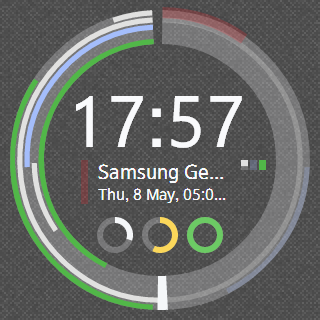
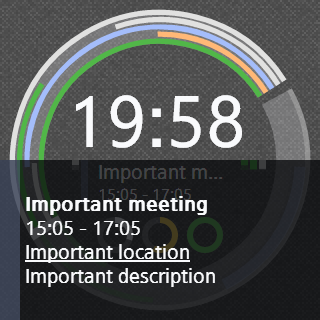
CClock is a styled application which combines clock and calendar. It helps you to watch for your plans, events, meetings and tasks without any reduntant movements: all important information is represented on the main screen of your Gear.
CClock use your Google Android Calendar as source for events. So it installs additional invisible application on your Android device and sycnhronizes with it from your Gear.
Main features:
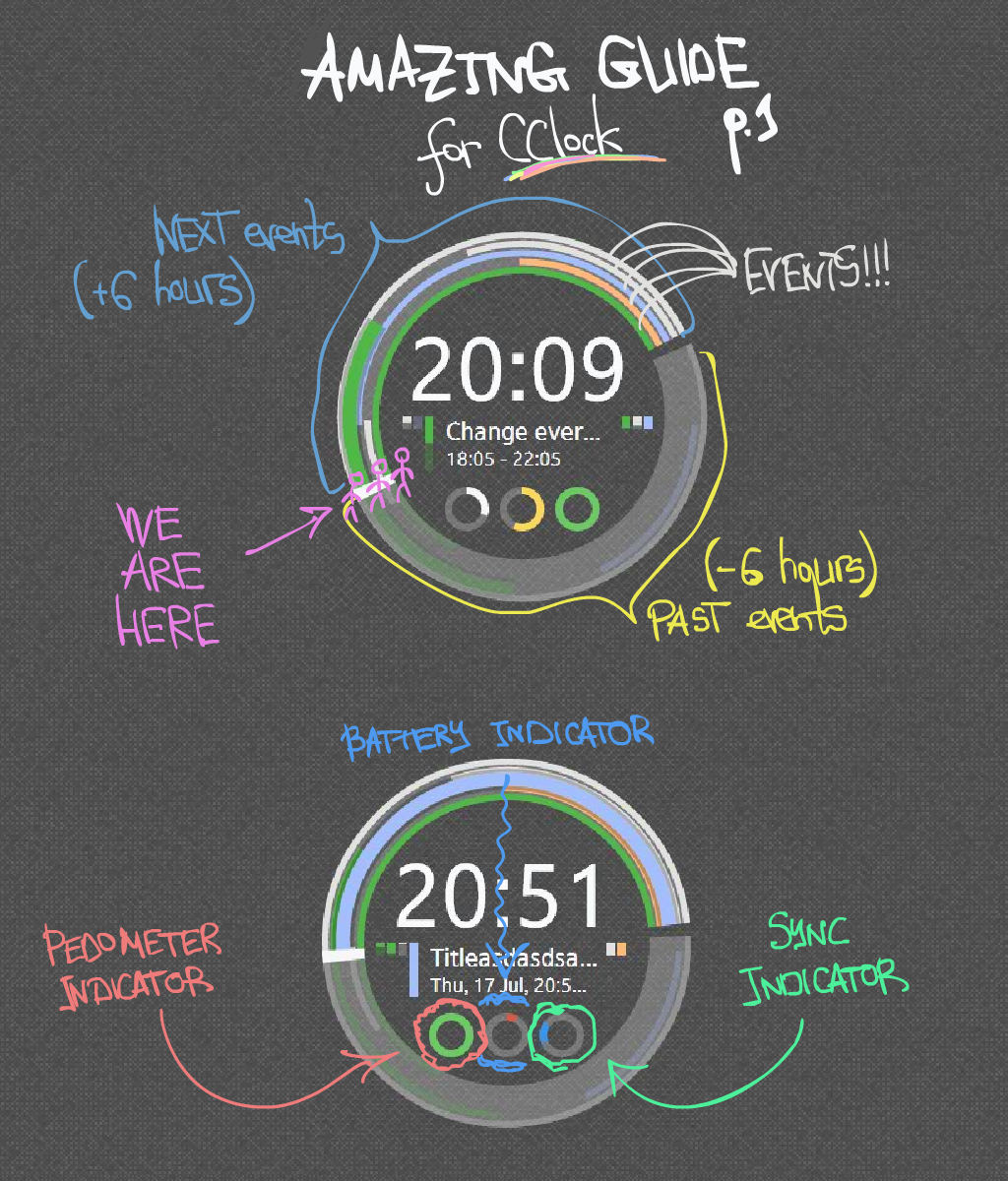
- Radial visualization of the past and next calendar actual events.
- Event information representation on the main screen.
- Battery, sync and pedometer indicators.
At first, set CClock as standard clock for your Gear (on Gear: Settings -> Clock -> CClock, or on your Android device: Gear Manager -> Home screen styler -> Clock -> CClock). Then add Google account on your Android device and add some events in your calendar.
Instructions:
- On the screen you can see past and next (for 6 hours) events visualization.
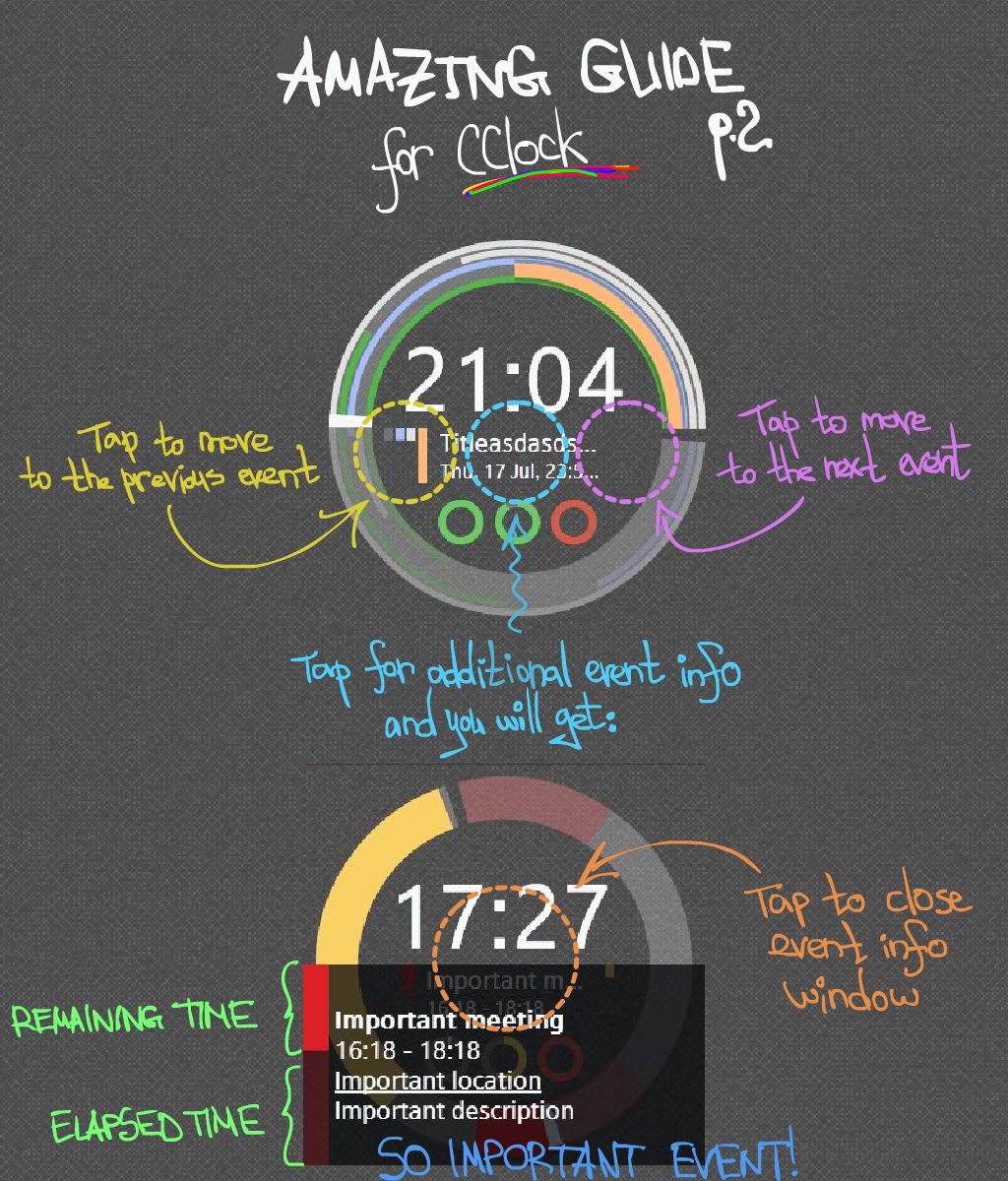
- In the center of screen - text information (tap on it -> you will see additional event information window; another tap closes that window).
- Double tap on event text moves you to the next event in time.
- Tap in the left of event text moves you to the previous event in event list.
- Tap in the left of event text moves you to the next event in event list.
- Also there are three indicators, from left to right: pedometer indicator (in percent from your goal), battery indicator and sync indicator.
TBD:
- Clock customization (background, colors and sizes of CClock elements, ...).
- Task system integration: tasks will be shown in additional radial layer.
- Abilitiy to edit calendar events from your Gear.
- MOAR convenient and clever style of representing events.
- MOAR indicators.
0 comments